what is a riser desk
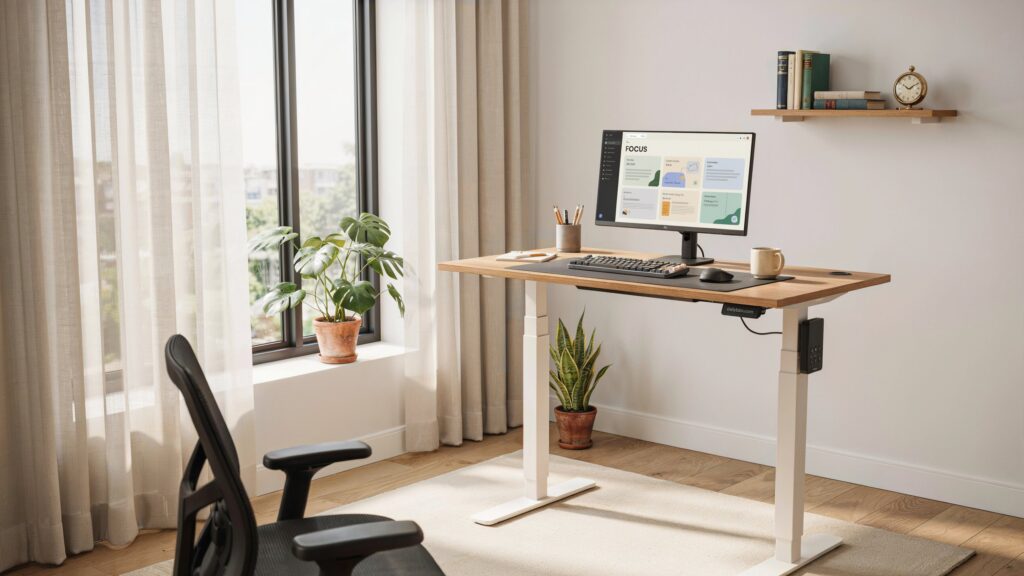
what is a riser desk
Many people spend eight or more hours sitting at a desk every day. While traditional desks are suitable for computer work, sitting for long periods may contribute to poor posture, neck pain, back discomfort, and reduced energy levels. Because of this, more professionals, students, and remote workers in the United States are looking for healthier workspace solutions.
A riser desk is one of the easiest ways to create a more flexible workstation without replacing your existing desk. It allows you to switch between sitting and standing throughout the day, helping improve comfort and productivity.
In this guide, you’ll learn what a riser desk is, how it works, its benefits, different types, how to choose the right one, common mistakes to avoid, a real-life example, FAQs, and more.
What Is a Riser Desk?
A riser desk, also called a desk riser or standing desk converter, is a platform that sits on top of your existing desk. It raises your monitor, keyboard, and mouse to a comfortable standing height while allowing you to lower them again whenever you want to sit.
Unlike a full standing desk, a riser desk doesn’t require replacing your furniture. Instead, it converts your current desk into a sit-stand workstation.
Many riser desks use gas springs or lift-assist mechanisms, making height adjustments quick and easy.
Common Uses
Home Office
Perfect for remote employees and freelancers.
Corporate Office
Helps employees alternate between sitting and standing.
Students
Useful for studying and online classes.
Gaming Setup
Some gamers use desk risers for improved monitor positioning.
Shared Workspaces
Easy to adjust for users of different heights.
Benefits of Using a Riser Desk
Reduces Long Sitting Time
Alternating between sitting and standing helps reduce extended periods of inactivity during the workday.
Improves Posture
A properly adjusted riser desk helps position your monitor at eye level, reducing neck and shoulder strain.
Increases Comfort
Changing positions throughout the day may reduce stiffness and muscle fatigue.
Boosts Productivity
Many users report feeling more focused and energized after standing for short periods while working.
Saves Money
A desk riser is often more affordable than purchasing a complete height-adjustable desk.
Easy to Install
Most models require little or no assembly and can be used immediately.
Types of Riser Desks
Fixed Desk Riser
Remains at one height and is suitable for users who only need monitor elevation.
Adjustable Desk Riser
Allows height adjustments for sitting and standing positions.
Manual Desk Riser
Adjusted by hand using a lifting mechanism.
Gas Spring Desk Riser
Uses a gas-assisted system for smooth height changes.
Electric Desk Riser
Motorized models adjust height with the press of a button.
How Does a Riser Desk Work?
Most desk risers sit directly on top of an existing desk.
Step 1: Place It on Your Desk
Position the riser securely on a flat surface.
Step 2: Add Your Equipment
Place your monitor, keyboard, mouse, and accessories on the platform.
Step 3: Adjust the Height
Raise or lower the workstation until your elbows form about a 90-degree angle while typing.
Step 4: Switch Positions
Alternate between sitting and standing during the day.
Step 5: Continue Working
The transition usually takes only a few seconds.
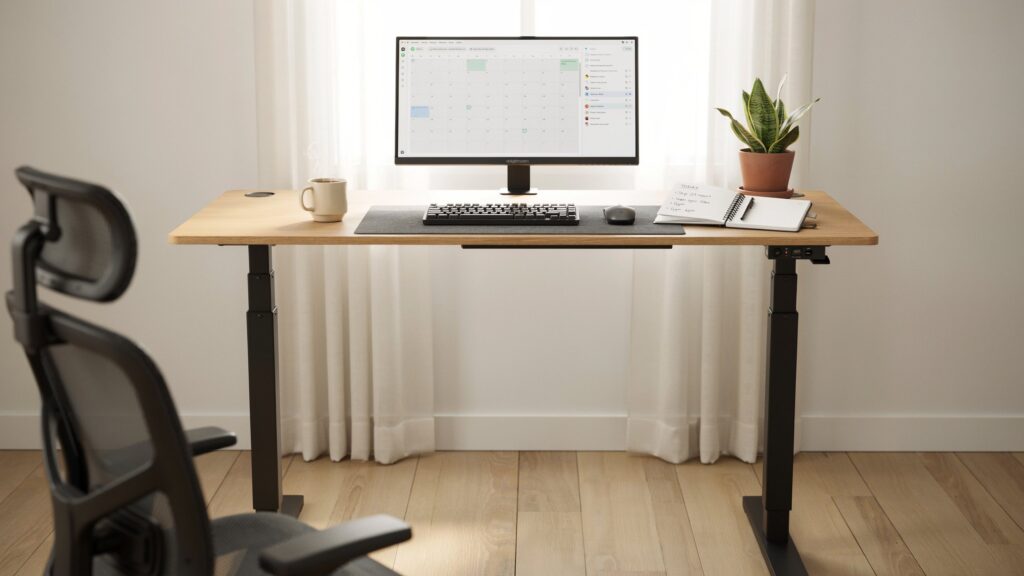
How to Choose the Right Riser Desk
Consider Your Workspace
Measure your desk to ensure the riser fits comfortably.
Check Weight Capacity
Make sure it supports your monitor and accessories.
Choose the Right Size
Dual-monitor users generally need a wider platform.
Look for Smooth Height Adjustment
A quality lifting mechanism makes switching positions easier.
Keyboard Tray
Many riser desks include a separate keyboard platform for improved ergonomics.
Cable Management
Built-in cable organization helps keep your workspace tidy.
Who Should Use a Riser Desk?
Remote Workers
Ideal for home office setups.
Office Employees
Useful for professionals who spend long hours at a computer.
Students
Provides a more flexible study environment.
Designers and Developers
Helpful for people working on computers throughout the day.
Content Creators
Supports long editing, writing, and production sessions.
Tips for Using a Riser Desk Correctly
Stand for Short Periods
Start with 20 to 30 minutes before switching back to sitting.
Maintain Good Posture
Keep your shoulders relaxed and wrists straight.
Position Your Monitor Properly
The top of the screen should be near eye level.
Wear Comfortable Shoes
Supportive footwear helps reduce foot fatigue.
Move Regularly
Even while standing, take short walks and stretch throughout the day.
Common Mistakes to Avoid
Standing All Day
Standing continuously isn’t recommended. Alternate between sitting and standing.
Incorrect Monitor Height
A monitor that’s too low or too high may strain your neck.
Poor Keyboard Position
Your keyboard should allow your elbows to stay comfortably bent.
Ignoring Desk Stability
Always ensure the riser is securely positioned before use.
Overloading the Platform
Stay within the manufacturer’s recommended weight limit.
Real-Life Example
Sarah, a marketing specialist in Texas, worked from home using a traditional desk. After months of sitting for long hours, she began experiencing neck stiffness and lower back discomfort.
Instead of purchasing a new standing desk, she bought an adjustable desk riser. She started alternating between sitting and standing every 30 to 45 minutes during her workday.
Within a few weeks, Sarah noticed improved comfort while working, better posture, and increased energy throughout the afternoon. The desk riser also fit her existing workspace without requiring expensive office furniture.
Pros and Cons of a Riser Desk
Pros
- Affordable compared to full standing desks
- Easy to install
- Improves workstation flexibility
- Encourages better posture
- Suitable for home and office use
- Works with most existing desks
Cons
- Smaller work surface than full standing desks
- Weight limits vary by model
- Some budget models may wobble
- Manual adjustments require more effort
- Not ideal for very large workstation setups
Frequently Asked Questions
What is a riser desk used for?
A riser desk allows users to switch between sitting and standing while working without replacing their existing desk.
Is a riser desk the same as a standing desk?
No. A standing desk replaces the entire desk, while a riser desk sits on top of an existing desk.
Are riser desks good for posture?
When adjusted correctly, they can help improve posture by positioning the monitor and keyboard at ergonomic heights.
Can I use two monitors on a riser desk?
Yes, many larger models are designed to support dual-monitor setups.
How often should I switch between sitting and standing?
Many ergonomics experts recommend changing positions every 30 to 60 minutes rather than remaining in one position all day.
Conclusion
A riser desk is a practical and affordable solution for anyone who wants a healthier and more flexible workspace. By allowing users to alternate between sitting and standing, it can improve comfort, support better posture, and make long work sessions more manageable. Whether you work from home, study online, or spend hours at an office computer, choosing the right desk riser can be a worthwhile investment. Before buying one, consider your workspace size, equipment, and adjustment features to find the model that best fits your needs.